


Support
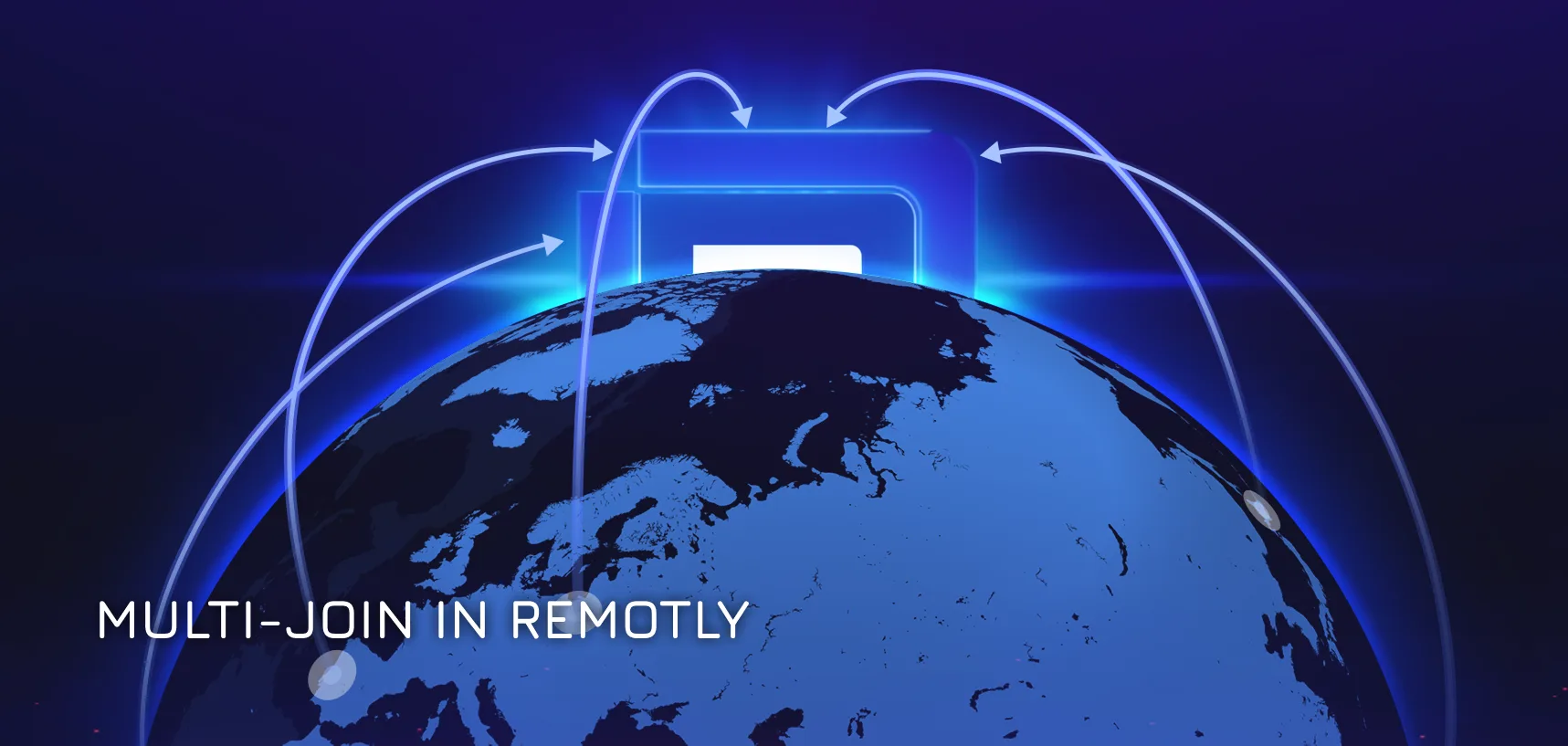
Multi-Join in Remotly – a game changer for remote collaboration
October 21, 2025
How to, Remote Desktop Software, Remotly
With the release of the new version 1.34.0 of remote desktop software Remotly in September 2025, the developers introduced a game changing feature called multi-join, which allows up to 4 remote users to connect simultaneously to a single host computer. This new functionality completely changes how we work, learn, and play together remotely. Key features of multi-join: – Up to 5 participants in one session – 1 host + 4...
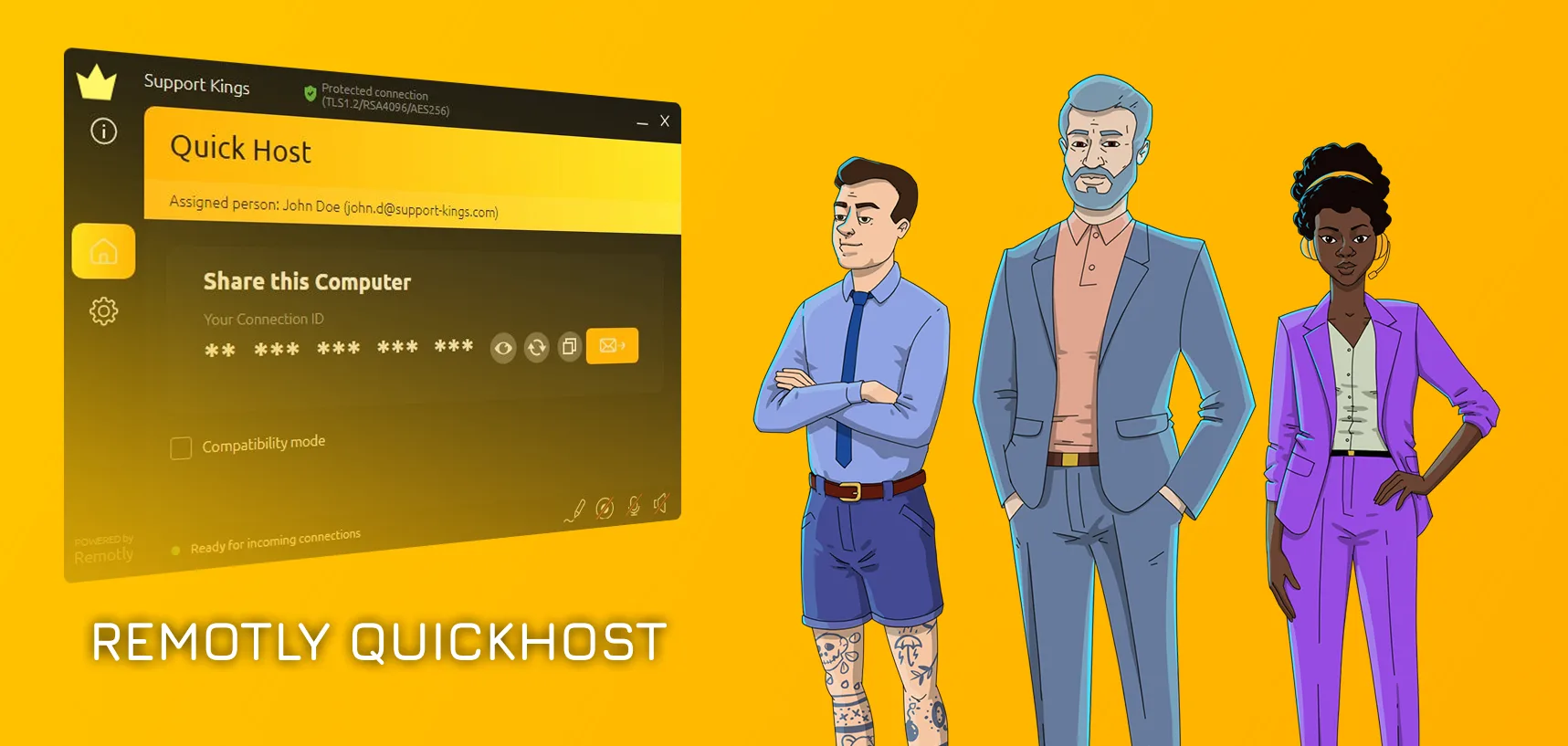
Mirillis’ ultra-secure tool for system administrators – finally ready!
March 4, 2025
Remote Desktop Software, support, TIPS & HOW TO'S
An ultra-secure tool for system administrators developed by Mirillis is finally ready! Need to manage multiple PCs in your organization and access them anytime, even after a reboot? Check out Remotly Quick Host now! To test Remotly Quick Host for free, contact us via the contact form at https://remotly.com/contact. Key features of Remotly QuickHost: – Remotly QuickHost does not require you to log in to your Remotly account. – Remotly...
Remote Desktop – How to Connect to a Remote PC – Step-by-Step Tutorial
October 18, 2024
How to, Remote Desktop Software, TIPS & HOW TO'S, Uncategorized
Remote desktop software allows you to connect remotely to a PC using another computer or mobile device. This software has become a common tool not only in workplaces but also for home use. When you are searching for a remote desktop tool, it is essential to focus on its security, efficiency, ease of use and cost. Considering these criteria, we decided to create an article that introduces the newest and...
How to record and stream Apex Legends with no problems | 2019
February 19, 2019
Game Recording, Game Recording Software, How to, TIPS & HOW TO'S
Do you want to record or stream Apex Legends with no problems? We have a solution for you. Action! game recorder and streaming software is currently the only gameplay recorder that enables you to capture and broadcast your Apex Legends gameplay in a hassle-free way. So, if you want to be one of the few top gamers who record and stream Apex Legends gameplay in outstanding quality to YouTube, Facebook...
How to earn money on YouTube without Ads?
June 13, 2018
YouTube has a long history of changes when it comes to earning money/starting a professional career as a content creator. In the beginning, becoming a YouTube partner has been extremely difficult. Even the most popular YouTubers had huge problems becoming a partner, probably because YouTube itself didn’t have any specified requirements to join the team as a partner. Later on, due to liberalization, lots of people could start earning money...

How to convert power point to video? | 2018
May 17, 2018
Action!, How to, Screen Recorder, Screenshot capture tool, Software, TIPS & HOW TO'S
PowerPoint is a widely used presentation software known by everyone. Every day, millions of users create their presentations across every single field of society – business, education, lifestyle etc. The big problem with a presentation is that it tends to get trivial, and people start losing attention really quickly. Adding various animations, transitions and interesting images may partially mitigate this problem. Instead of trying to further improve the presentation, you...

How to improve audio quality in your microphone?
May 8, 2018
Action!, For Gamers, gaming microphones, Hardware, How to
For veteran content creators the amount of work to prepare perfect audio quality commentaries might be so difficult, that preparing an actual environment in which they can record perfect sound might take weeks. Purchasing an expensive microphone often ends up in huge disappointment, and even though it is a necessary step, it is hardly any work when it comes to making commentaries. We’ve provided several tips that will help you...
Staying healthy while streaming
April 30, 2018
Action!, How to, Live Streaming, Live Streaming Software 2018, Twitch, YouTube
For quite some time, there is a popular trend of streaming for 24 hours. Often (although not always) it is done for charity. The problem arises when the health of the streamer is sacrificed. People don’t really (want to) realize how much strain is put on the streamer during this period of time. We would like to provide you some information to raise awareness regarding this problem and describe how...
What Is An Unlisted YouTube Video? – YouTube Basics
April 20, 2018
support, TIPS & HOW TO'S, YouTube
A video that you upload, is by default set to be public. Every time you upload, you need to set video privacy settings. However, among upload choices, you may choose to upload a video as an “unlisted”. If you’re wondering what exactly ‘unlisted’ video is, then you’ve come to the right place. Change video privacy If you’ve set video privacy to public, but changed your mind, here is what you have...

How to create your own YouTube channel art for free?
February 7, 2018
When you thought about creating a channel on YouTube, you most probably struggled for a long time with Photoshop to create the best channel art. Meanwhile, you don’t need Photoshop at all to create stunning and enticing channel art for yourself. Check out our list of couple free tools that might help you create your perfect channel art. Canva We’ve mentioned Canva before, when we discussed some of the essential...