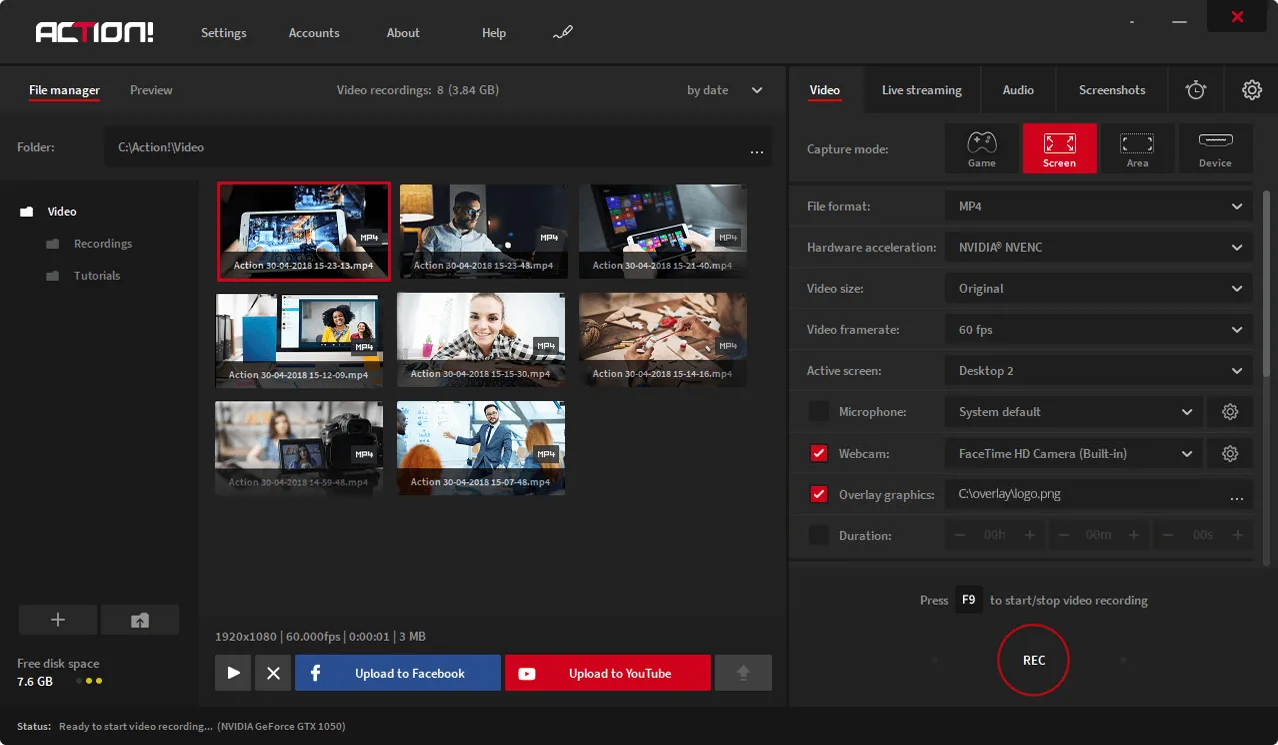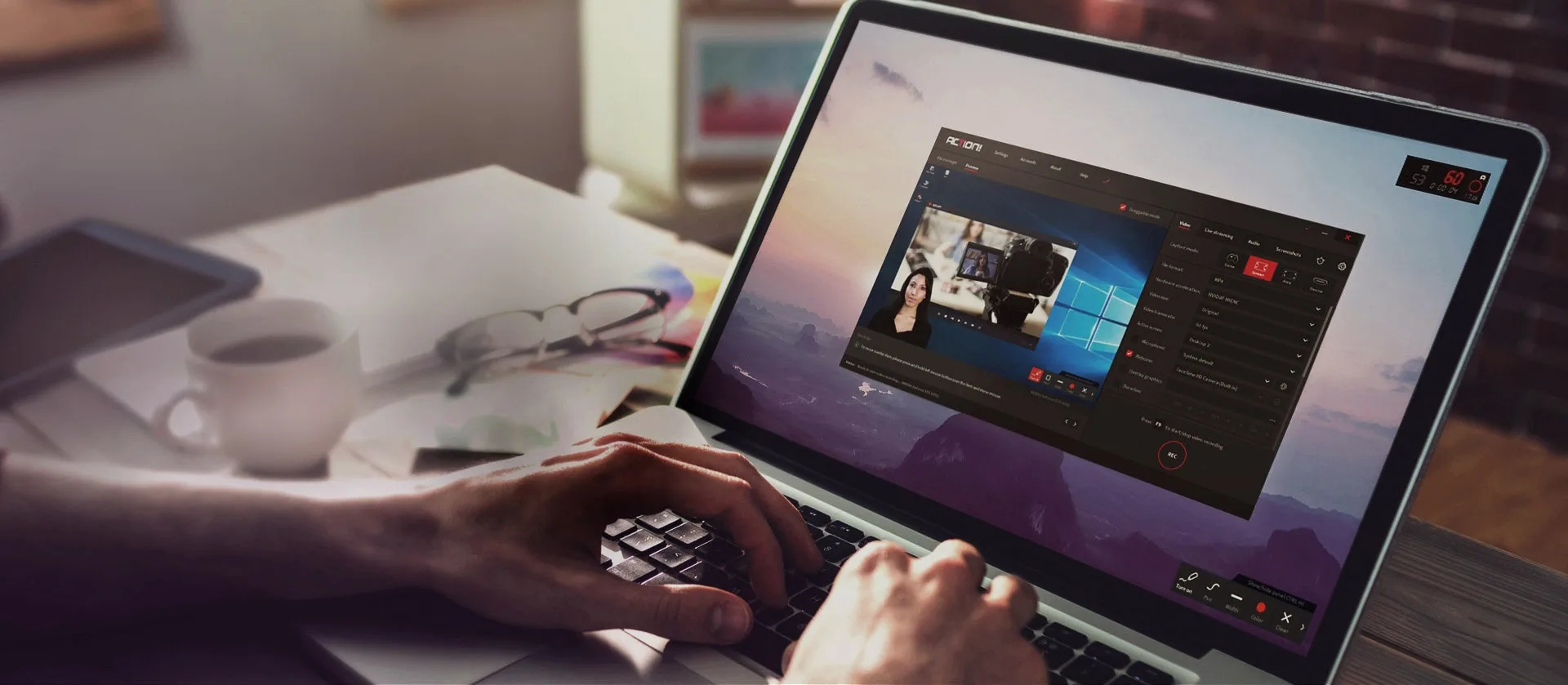
Screen Recorder -- Record Everything on your PC!
Capture Ultra HD Screen Recordings: Tutorials, Webinars and Visual Presentations with Voice Commentary and Webcam.

Over 15,000 downloads made every day!
Action! Screen Recorder User Reviews
The Best Screen recording Software for Windows
★★★★★
Best in recording and streaming live. 9/10 would recommend to everyone who is starting youtubers. Minimal usage of system resources than other streaming and gameplay recording programs.
★★★★★
The most amazing recording software I've ever used, the simple layout made my experiance recording and streaming so much easier, while providing a plethera of options for my microphone, sound, streaming, recording, and more.
★★★★★
The best way to record or capture your screen ever! This program is brilliant. Easy to use.
★★★★★
Amazing! This software has been improved hugely over the last few years, I'm really happy I got it
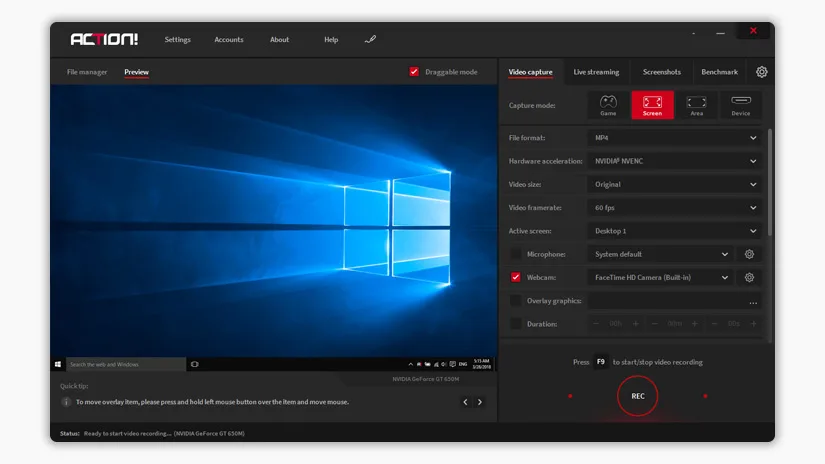
Windows Screen Recorder
For all those wandering how to "Record my screen", Action! Screen Recorder captures your PC activity in outstanding 4k Ultra HD up to 3840x2160 resolution, with no time limitation.
USB/HDMI recording mode allows to record screen from various devices such as game consoles, TVs, Smartphones and other devices. Action! supports various capture cards such as Elgato, Avermedia and Hauppauge.
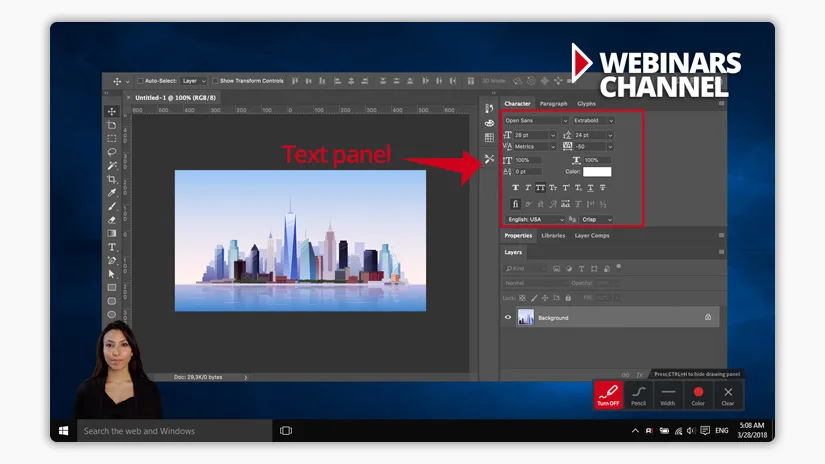
Webinar Software
Action! is the best software for creating webinars thanks to its easy-to-use LIVE streaming feature. Improve your videos with professional drawing panel that makes your webinars even better.
Action! allows you to LIVE stream your videos to popular websites such as YouTube, Facebook or custom RTMP server. All in Ultra HD resolution.
Finally, you've found a Screen Recorder for everything you do!
Create Video Training & Tutorials
Capture step-by-step video instructions with audio. Create video training for new employees, explain a complicated process to a colleague or provide customers with a clear video guide!
Record Podcasts & Voice Narration
Record perfect voice narrations for your blog. Record audio only and save it to MP3 or WAV format with a single hotkey.
Make Notes & Take Screenshots
Use drawing panel to annotate on your screen: add shapes, colors, arrows, text frames, highlights and more! Take a screenshot to save your on-screen notes.
Record Promotional & Marketing Videos
Prepare product demonstration video or customized sales video for your clients. Record screen with webcam footage to add a human touch to your recordings. Action! is a perfect screen recorder for YouTube, Twitch, Smashcast & more!
Bug Reporting & Troubleshooting
Save your time & effort! Use a single screenshot or a short video to report an error message to support team. Show exactly what type of issue you're having.
Save any Video to your Local Disk
Capture & save everything you see on your screen! Record online lectures, live streams and anything you might like to refer back later. Record Skype video interviews or Google Hangout video calls.
Download and try the best software for Desktop Recording!
Professional Overlay Management System
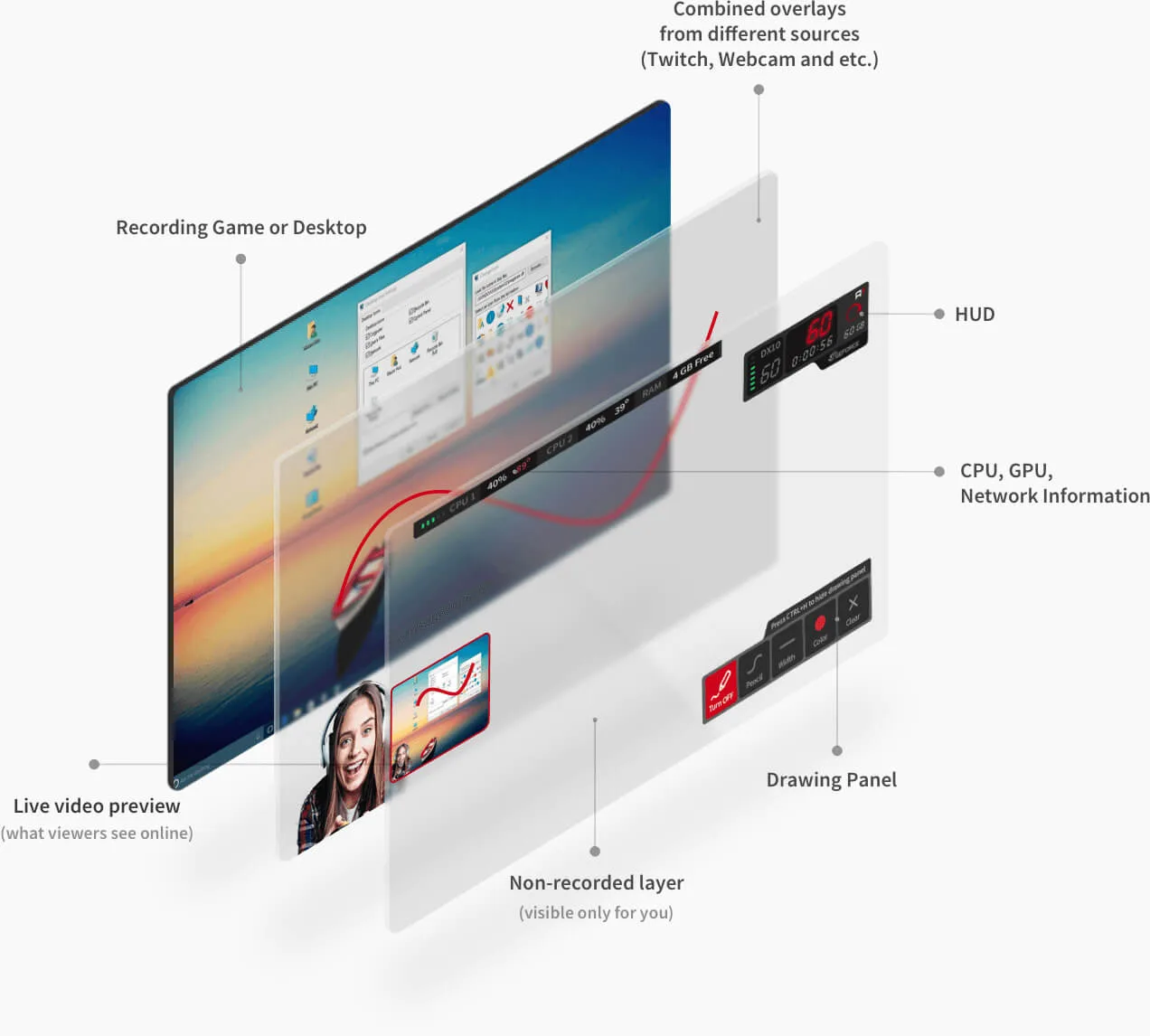
Action! 3.0 provides professional support for Streamlabs and other overlay live streaming tools. Possibility to use drawing panel with additional overlay graphics on your video while streaming, makes Action! an excellent Webinar Software.
- Freely reposition and resize your webcam and/or overlay graphic
- 6 modular URL Overlays such as chat, Alertbox, viewer counter etc.
- Green Screen Effect for webcam or Intel Background Removal
- Real-time on-screen drawing panel
- Live preview of your video composition
- Monitor the status of your recording and computer (non-recorded area)
Supported Overlay Sources:


Why Action! is the best screen recording software?

Screen recording
Record screen in smooth 4k Ultra HD resolution with low CPU usage.

LIVE Streaming
Broadcast your desktop to various streaming services such as Facebook or YouTube, with no lag.

Audio recording
Record audio commentary, and save it into separate audio tracks or file.

USB/HDMI Capture Devices
Capture screen from devices such as consoles, TVs, smartphones and other.

Overlay Support
Use Streamlabs and other widgets and add up to 6 modular URL overlay graphics, webcam and your own logo.

Chroma key
Add Webcam using CHROMA KEY and ALPHA MASK to remove or change background while screen recording and LIVE streaming.

Drawing Panel
Improve your webinars and tutorials using Text, Colors, Shapes, Highlights and many other drawing tools.

Benchmarking
Test out how well your PC performs on your computer and save the results.